macOS menu bar app

CodeSwissKnife Bar. Essential developer tools one click away.

  • Menu bar access for quick encoding, formatting, conversion, and inspection
  • Offline tools for sensitive text, tokens, and payloads
  • Lightweight workflow built for fast checks without opening the full app
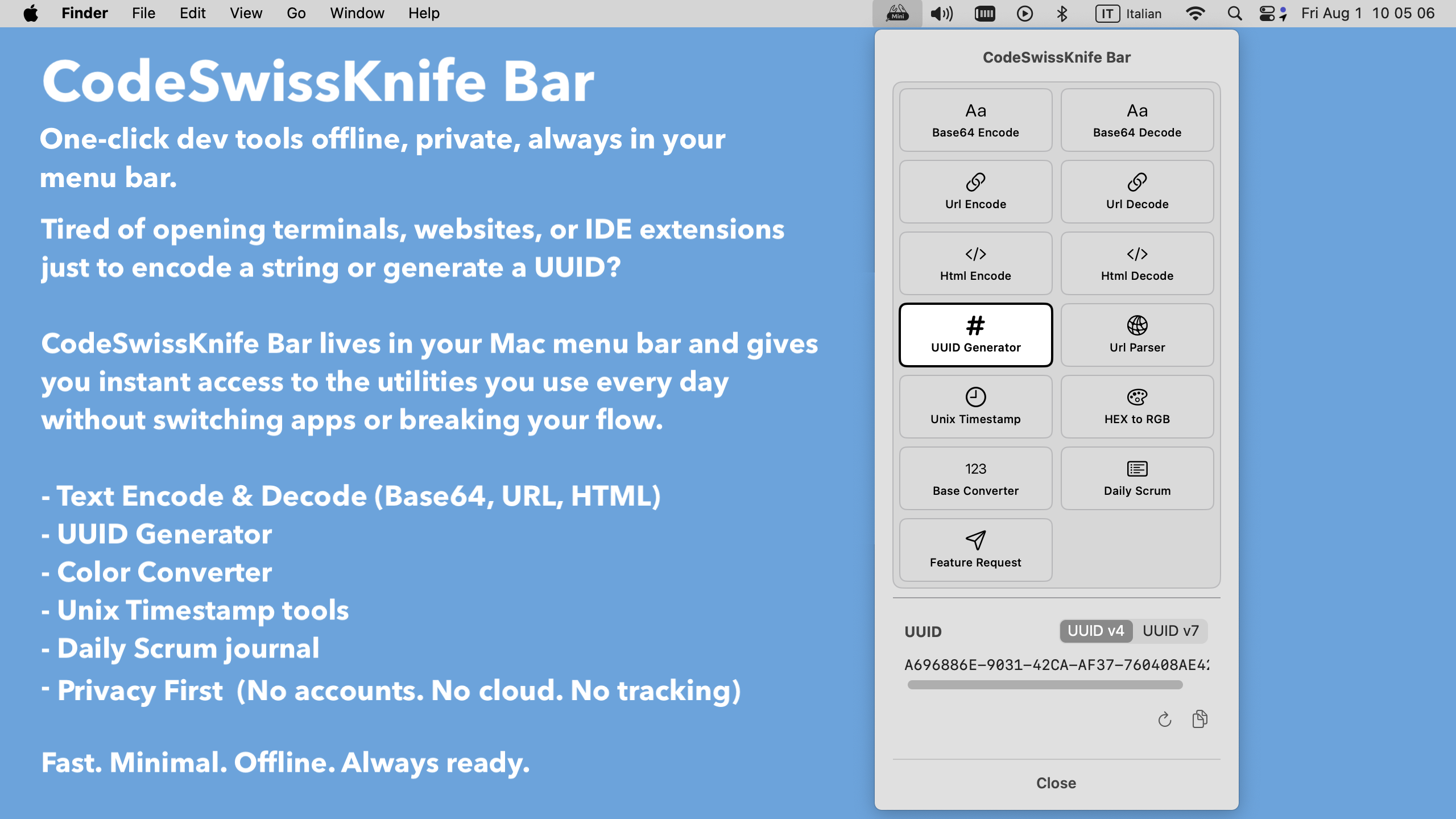
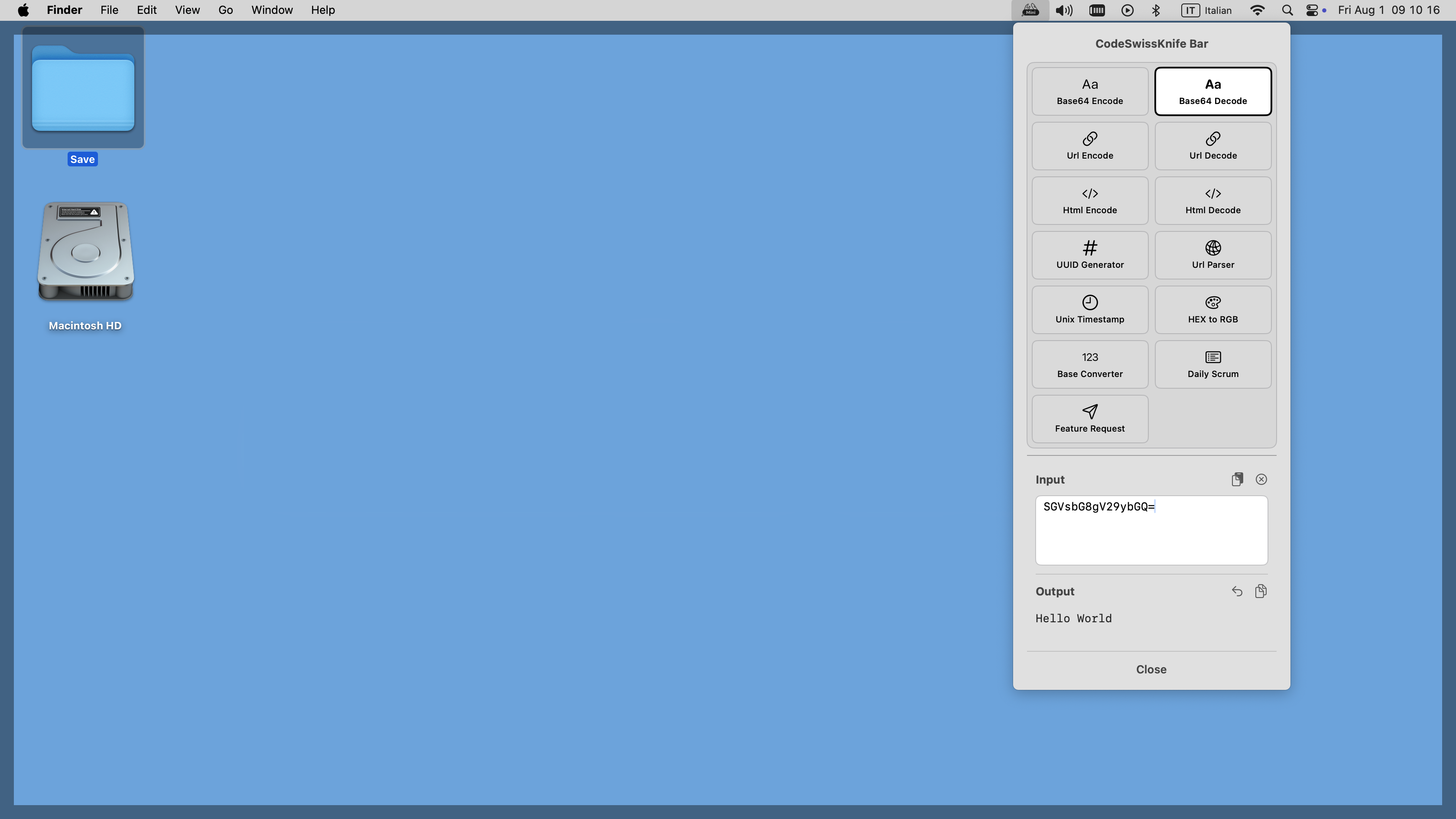
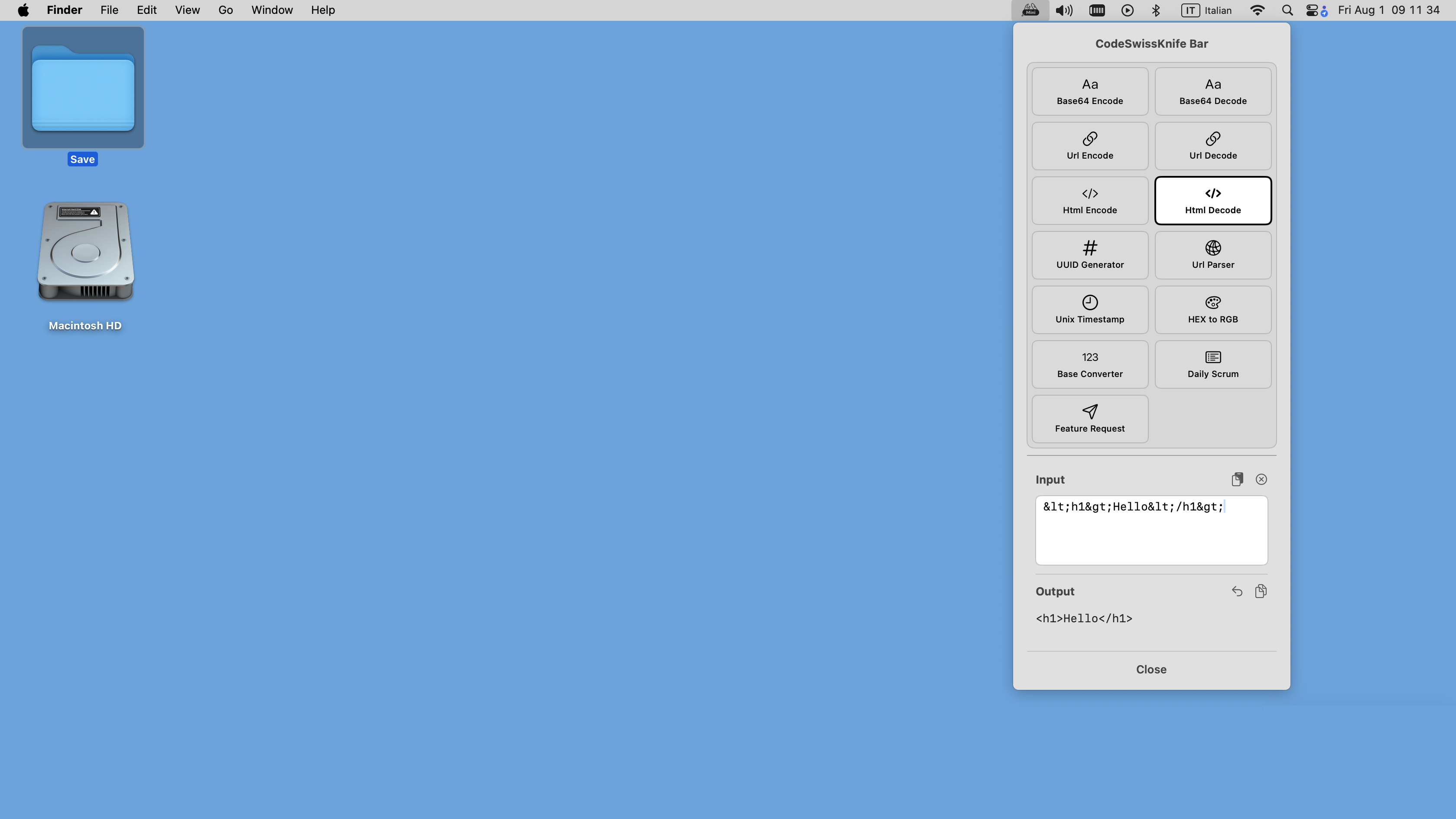
CodeSwissKnife Bar running from the macOS menu bar.
Menu bar workflow Local tools for everyday developer tasks Available from the Mac App Store
Quick access

Small tools without switching context

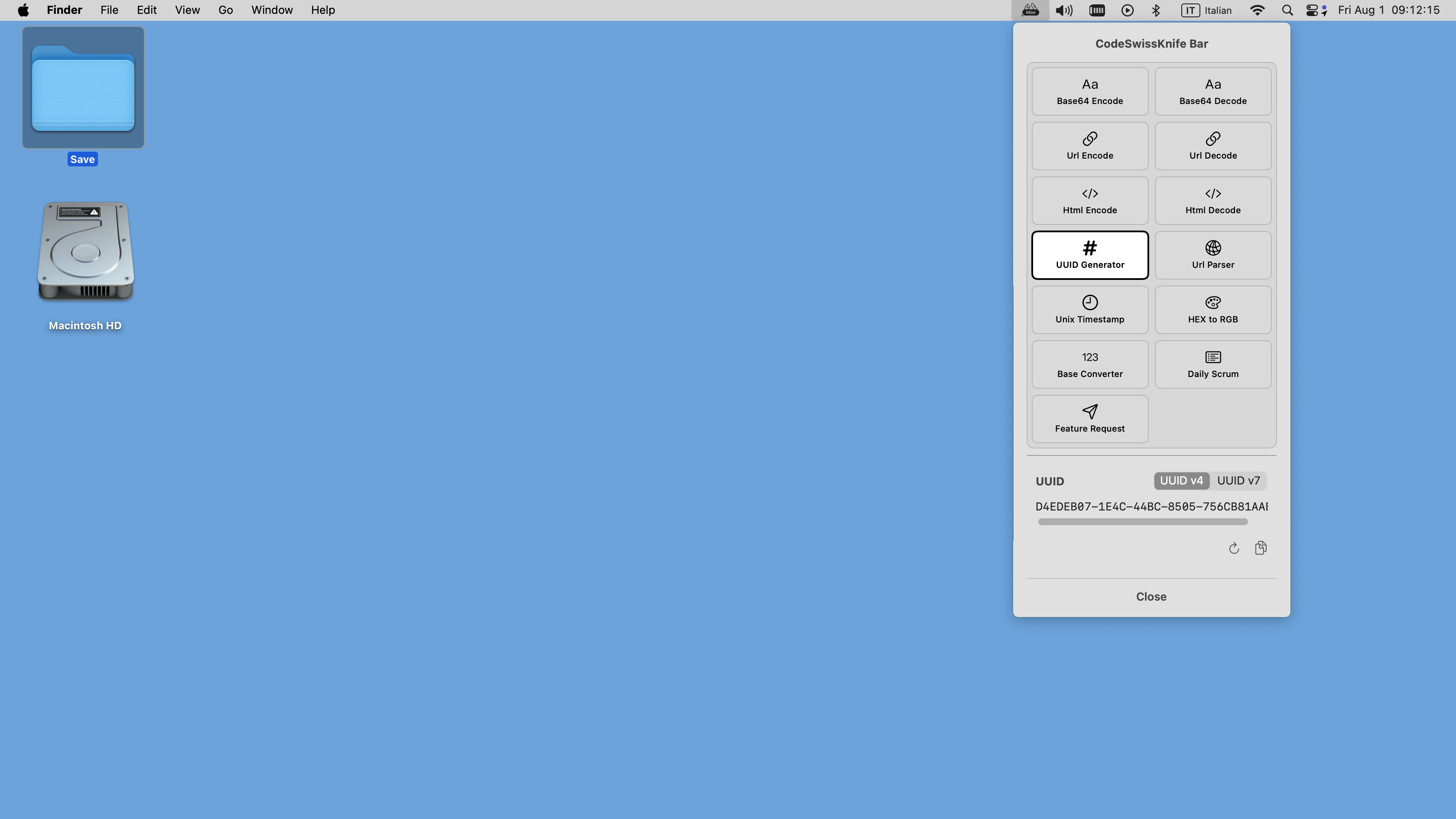
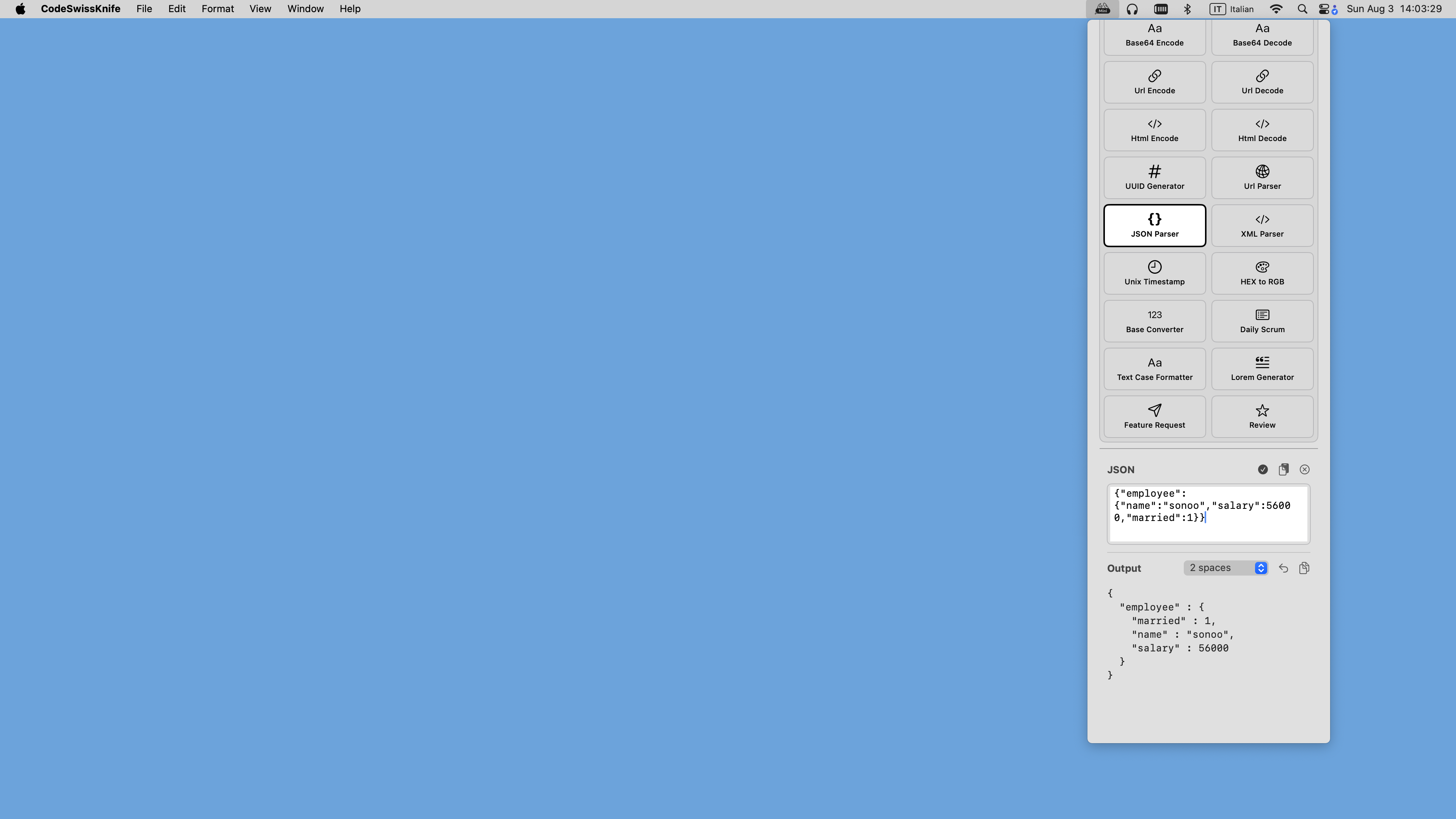
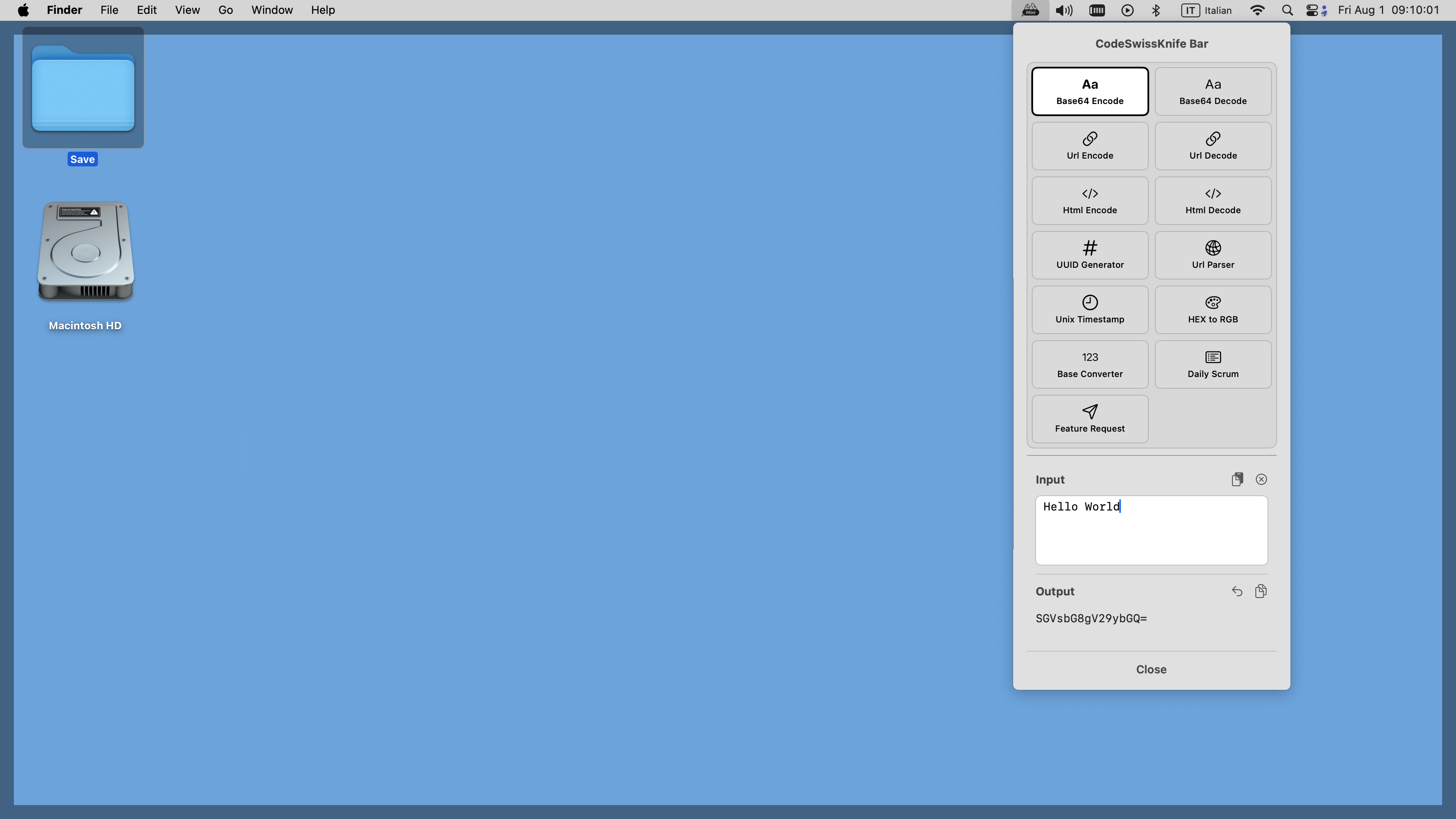
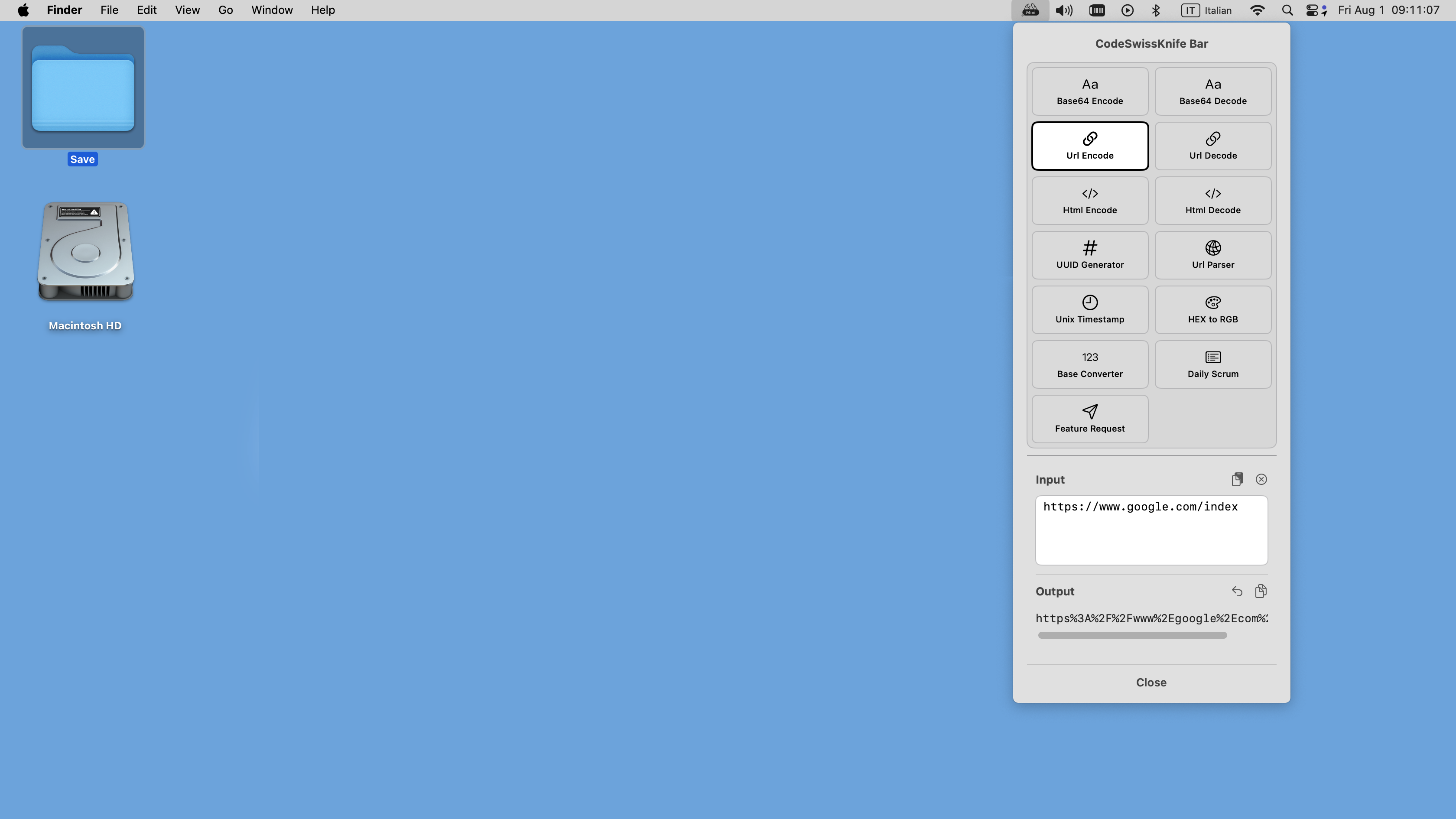
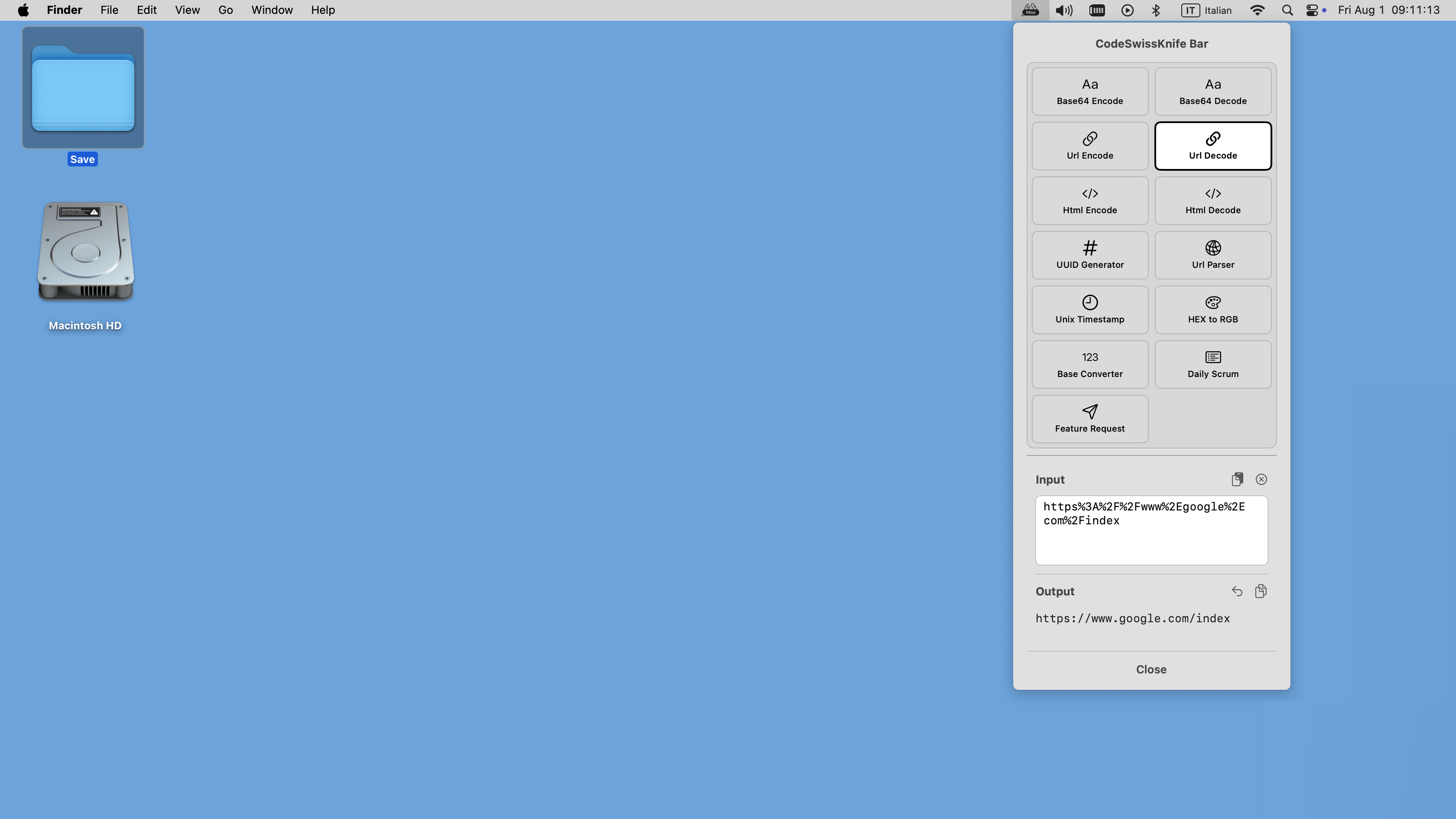
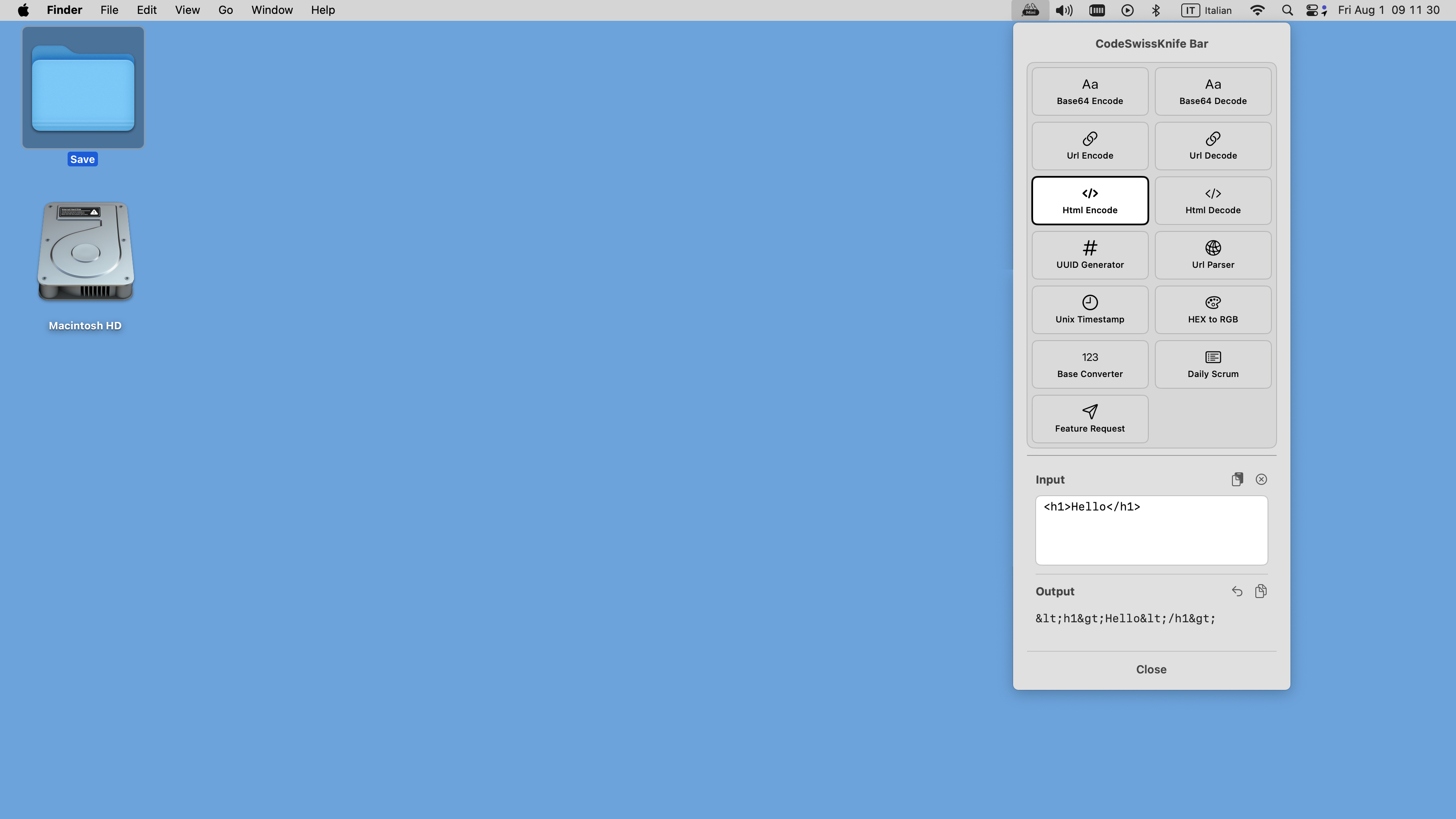
CodeSwissKnife Bar keeps the common utilities close: encoding, decoding, formatting, color conversion, UUID generation, timestamps, JSON and XML cleanup, and more.

It is meant for the checks you need while working in another app, where opening a full window would slow the flow down.

CodeSwissKnife Bar showing quick access developer tools.
Local first

Your working text stays on the Mac

The menu bar app follows the same core idea as CodeSwissKnife: keep sensitive developer data away from random web utilities.

Use it for quick transformations, snippets, and checks when you want a smaller surface than the main app.

CodeSwissKnife Bar privacy-focused local tools.
Focus tools

Utilities for daily developer rhythm

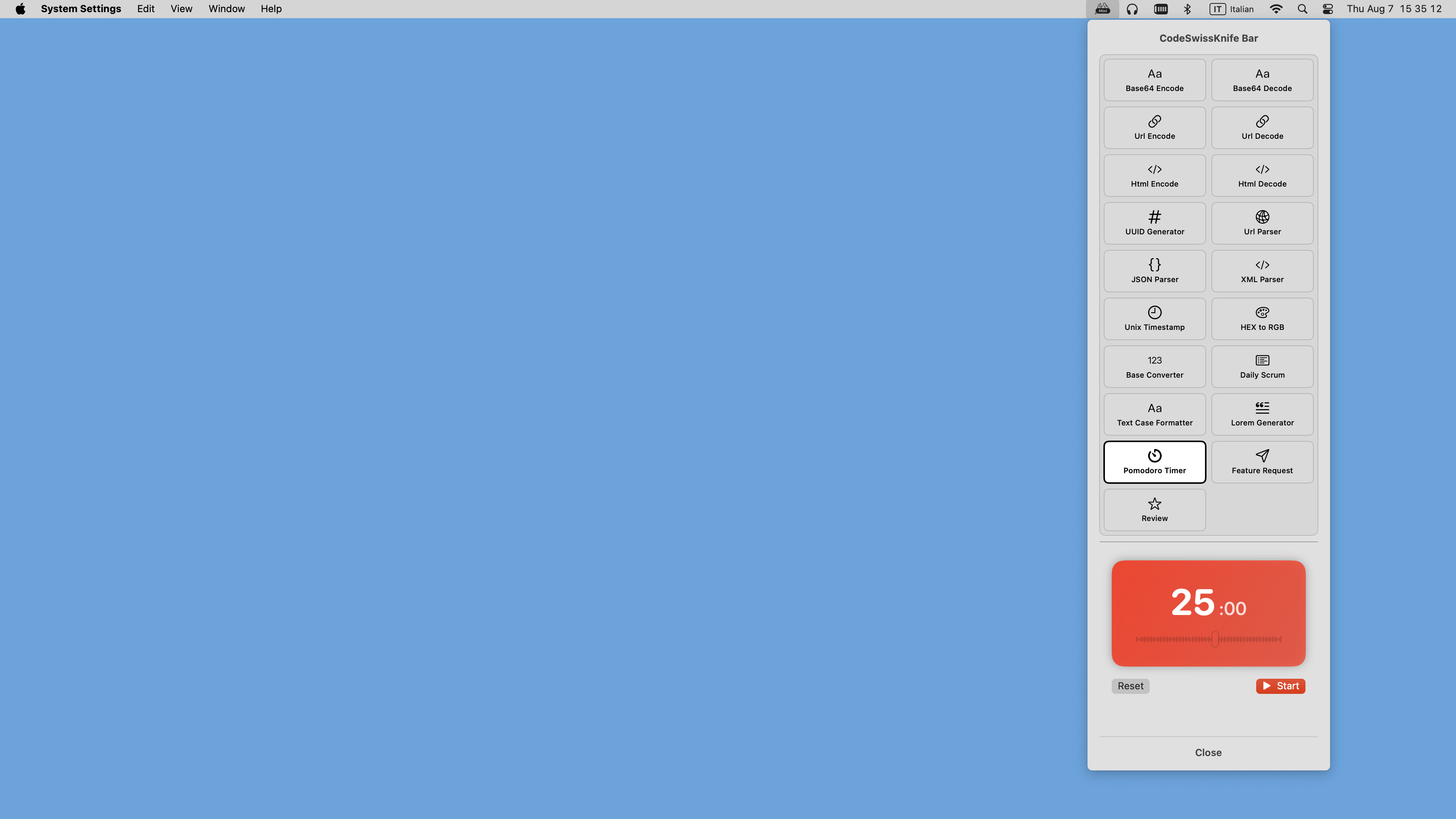
Alongside developer conversions, CodeSwissKnife Bar includes lightweight workflow helpers such as a Pomodoro timer and a daily scrum journal.

It is a companion app, not a replacement for the full CodeSwissKnife desktop app.

CodeSwissKnife Bar lightweight productivity tools.

CodeSwissKnife Bar screenshots

A closer look at the menu bar companion app.

CodeSwissKnife Bar screenshot 1 CodeSwissKnife Bar screenshot 2 CodeSwissKnife Bar screenshot 3 CodeSwissKnife Bar screenshot 4 CodeSwissKnife Bar screenshot 5 CodeSwissKnife Bar screenshot 6

Use the small version from the menu bar

CodeSwissKnife Bar is available from the Mac App Store.